This is your Brain, on Gumloop

Agents can do work grounded in your team’s shared knowledge, faster and cheaper, by connecting drives, files, and repos into a searchable index.
Agents have connectors, the tools that let them do things: send Slack messages, update Salesforce records, create Zendesk tickets, etc. They also have skills, durable instructions that teach them how to do things: “here’s how to write content in a brand-compliant way,” “here’s how our data warehouse is structured,” “here’s how to prepare the dashboard for our weekly pipeline review,” etc.
Now, agents have knowledge. With Gumloop Brain, everyone on your team (people and agents) can work from the same context: an index of everything your company knows, all in one place.
How Brain works
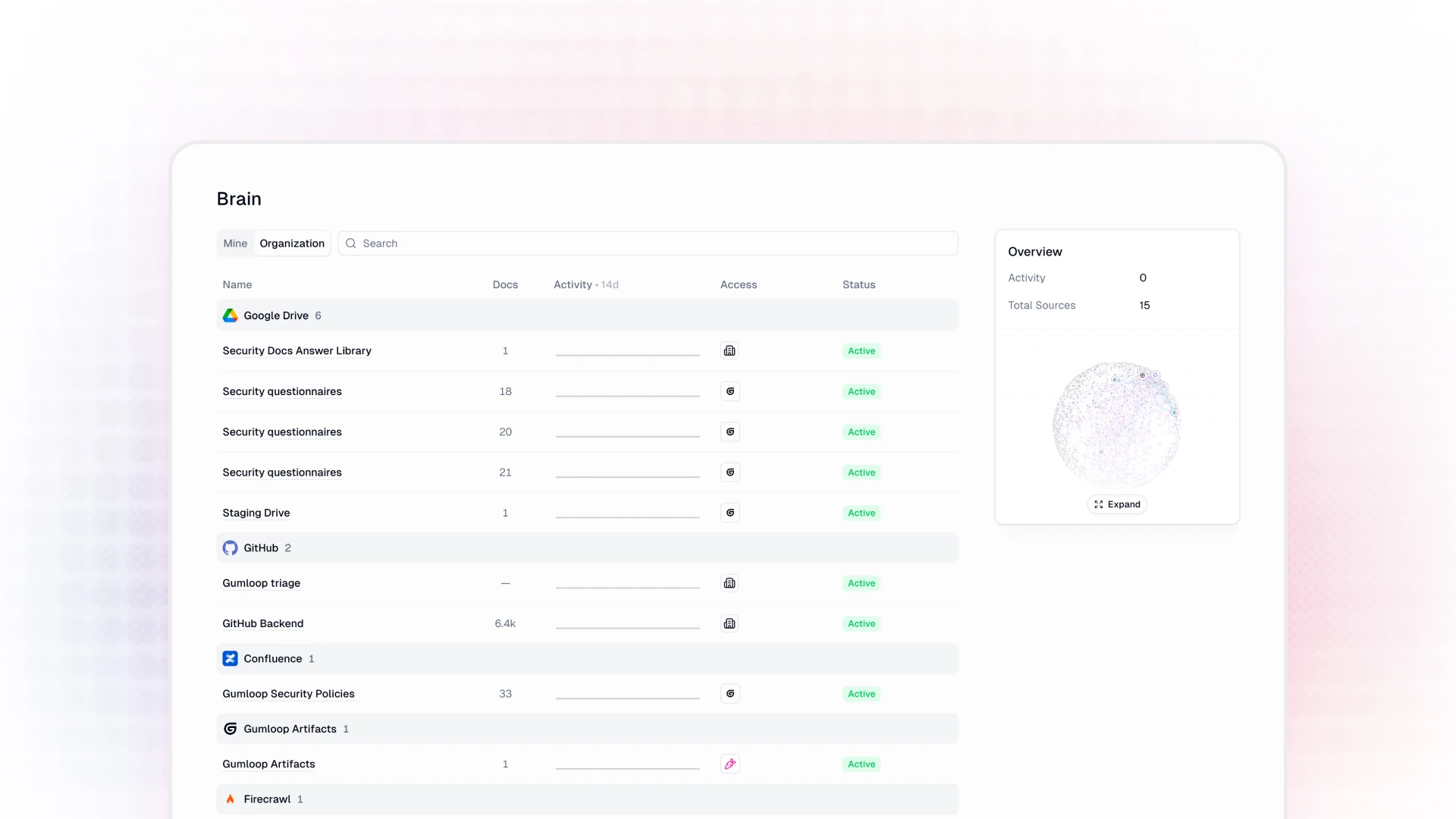
Connect knowledge sources from the tools that your team already works in, like Notion, Drive, Slack, GitHub, Confluence, Zendesk, etc. Gumloop then reads them, indexes the content, and keeps everything in sync. Once indexed, any agent with access to a source can answer your questions based on real content, with citations to point back to exactly where each answer came from.
Sources can live at three scope levels, Organization, Team, and Personal. For Organization-level sources, an admin can set the entire company up all at once, and then everyone else in the org can benefit, without ever having to configure anything themselves.
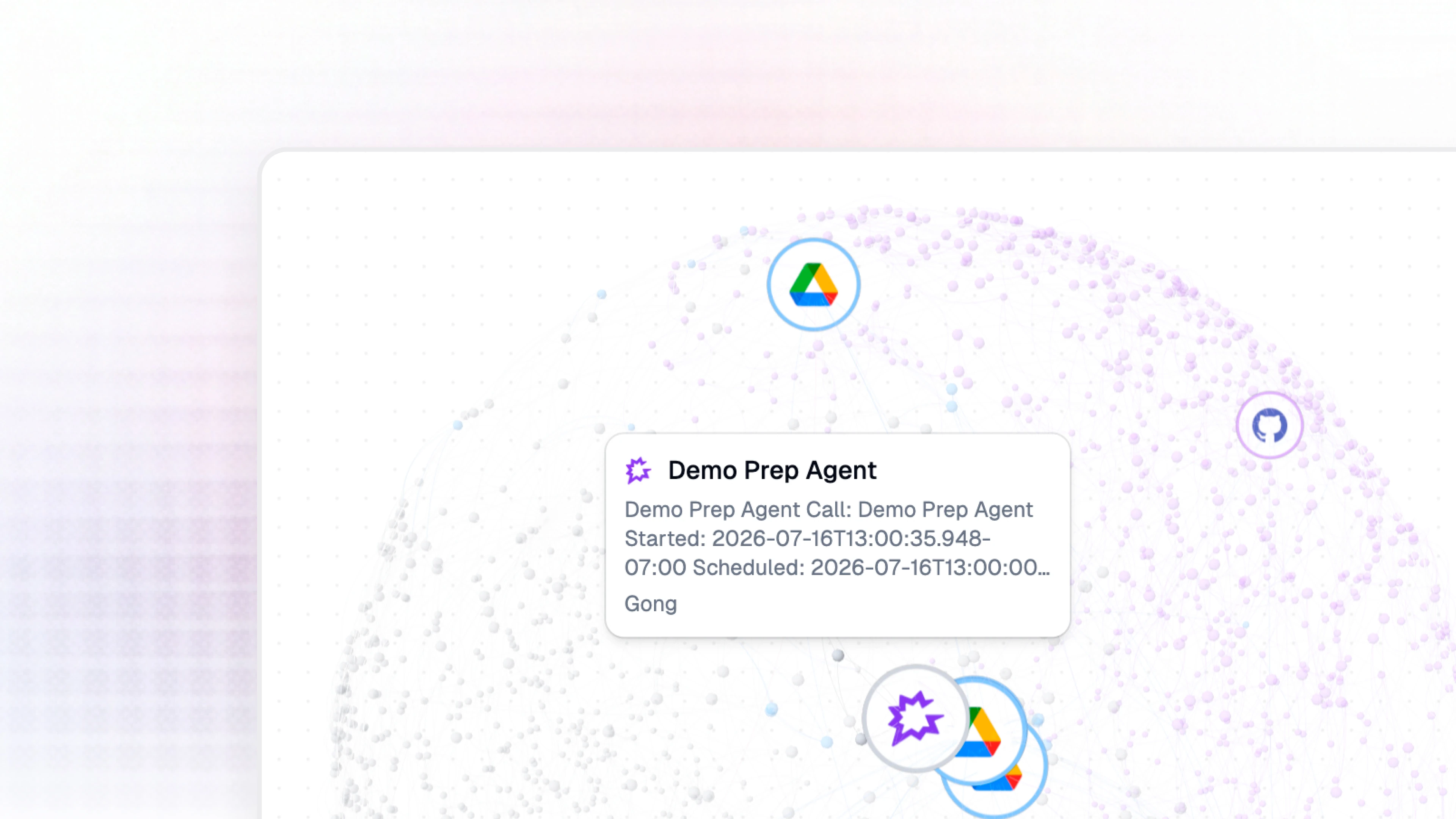
You can also view your Brain as an interactive 3D map, where everything indexed is clustered and colored by source.
How is this different from a live connector?
The most straightforward answer is that Gumloop Brain is read-only, whereas connectors allow you to read or write. To get more specific, connectors allow agents to perform live actions, whereas Brain allows agents to search across everything pre-computed.
Here’s when you might want to use Brain instead of a live connector:
- When you don’t know where the answer lives: an agent with access to connectors has to guess where the answer might live (In a Google Drive folder? In a Slack thread? In our Confluence wiki?). Brain searches every connected source in one shot, ranked by meaning, and tells you which document the answer came from.
- When the answer is spread across tools: if the decision is in a Slack thread, while the rationale is in a Notion doc, and the contract language is in Drive, Brain returns all three as one ranked set of results.
- When you care about speed and cost: Brain does the expensive work (crawling, chunking, embedding) once, and ahead of time. Search is a single fast call instead of a dozen API round-trips.
- When a question is semantic rather than literal: "What's our refund window?" won't keyword-match a doc called “Commercial Terms v3.” Brain's search combines meaning-based and keyword search, so both a vaguely worded question and an exact-phrase lookup will work.
- When you need to cite your sources: Every Brain answer links to its source. If you need to cite an exact paragraph in a specific policy doc, Brain is designed to get that info for you, fast.
On the other hand, connectors are still the right tool for taking actions, and for fetching something whose location you already know, and that has to be live to the exact second (like what’s on today's calendar, or the current status of a customer’s support ticket).
Make any app a knowledge source
Most knowledge products ship a fixed list of connectors. If your app isn't on the list, you're out of luck.
Gumloop Brain of course supports the most common connectors out of the box, like Notion, Google Drive, Slack, GitHub, Confluence, and Zendesk. But you can also use any of the apps in our library of 180+ connectors. An assistant will explore the app itself, work out how its content is organized, and propose a sync plan that you can approve or alter. Nothing is created until you approve it, and both setup and ongoing sync are strictly read-only.
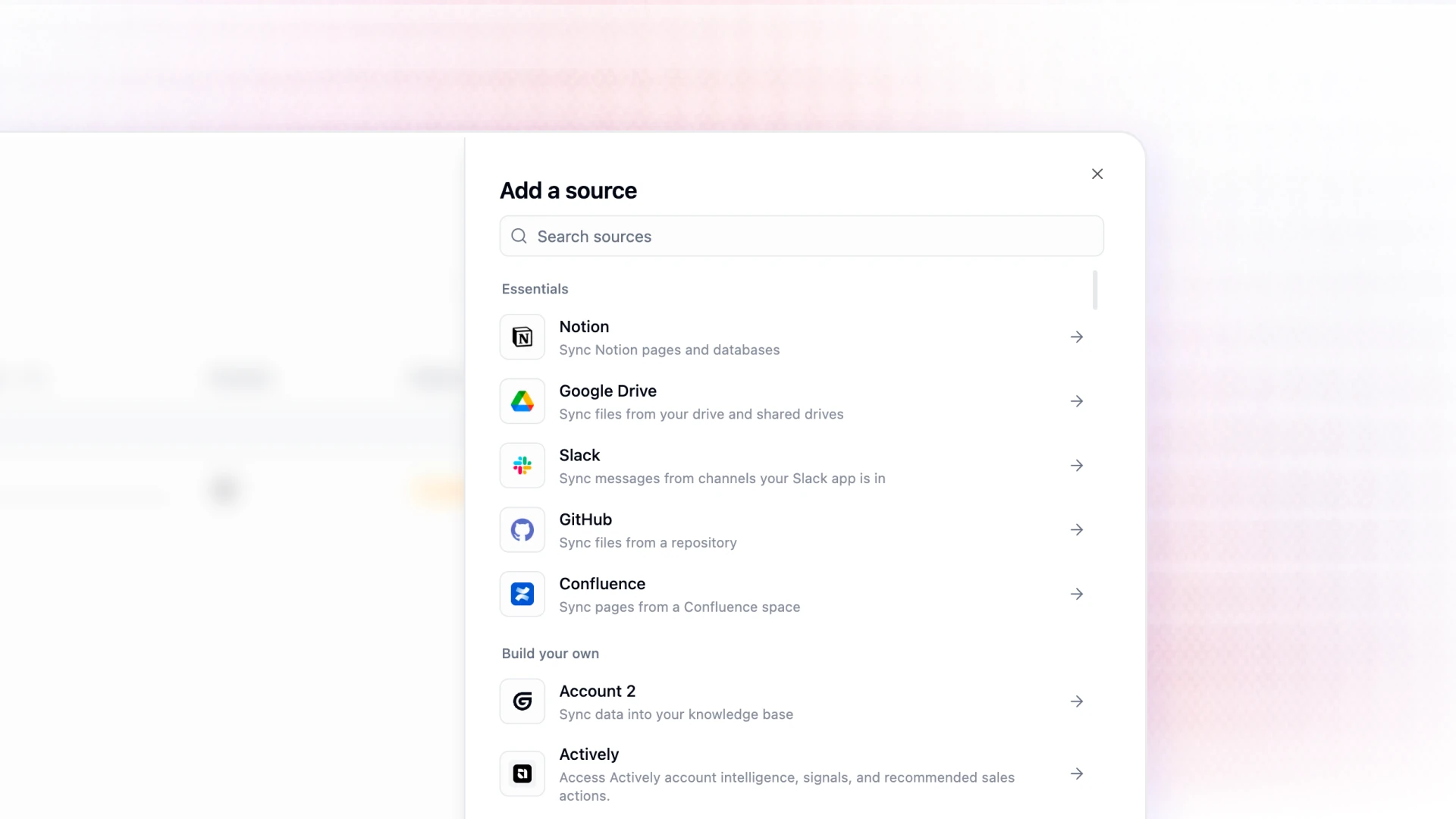
Artifacts produced by your Gumloop agents can also be indexed into Brain, so you can pull up the deck you made last week in Gumloop the same way that you would look up an entry in your team’s Confluence wiki.
See costs before you spend
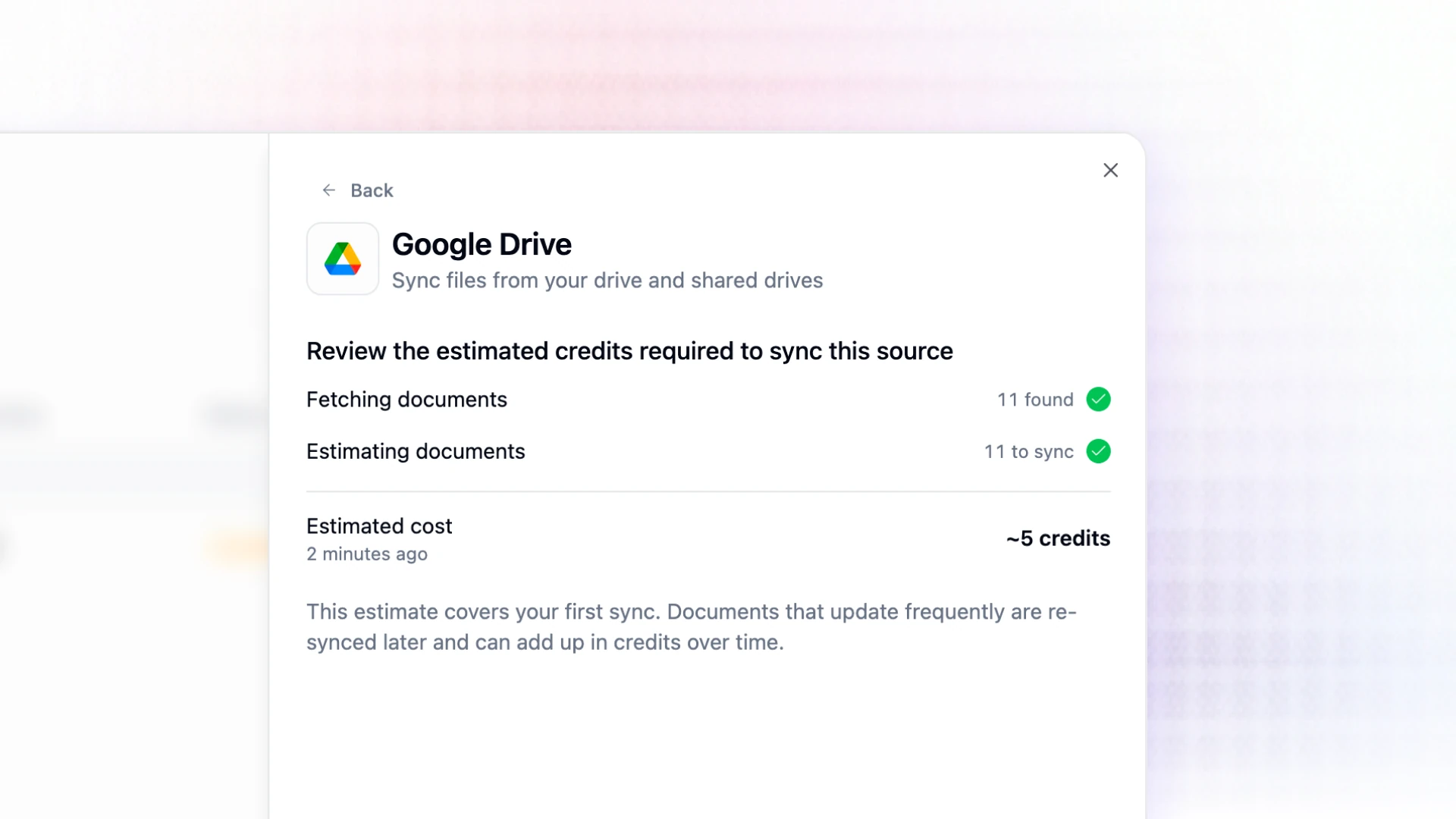
Adding a source doesn't immediately start a billable job. A new source is created as a draft: Gumloop runs a measuring pass that crawls and counts your content without embedding it, then tells you how many documents it found, and roughly how many credits indexing will cost.
You get the cost projection as an approval request in-product and by email, and nothing paid happens until you approve. Re-scoping an existing source generates and re-estimates in the same way.
Use Brain outside the chat box
Unlike other knowledge management platforms, you don’t have to access your knowledge layer through the Gumloop chat UI. The search capabilities of Brain, with the same permissions, are available as a REST endpoint, a Python SDK call, a CLI command (`gumloop brain search`), and an MCP tool that you can call from any MCP client.
If you’re interested in learning even more about what Brain can do, and how to set it up, check out our documentation here.

Read related articles
Check out more articles on the Gumloop blog.